
VEED
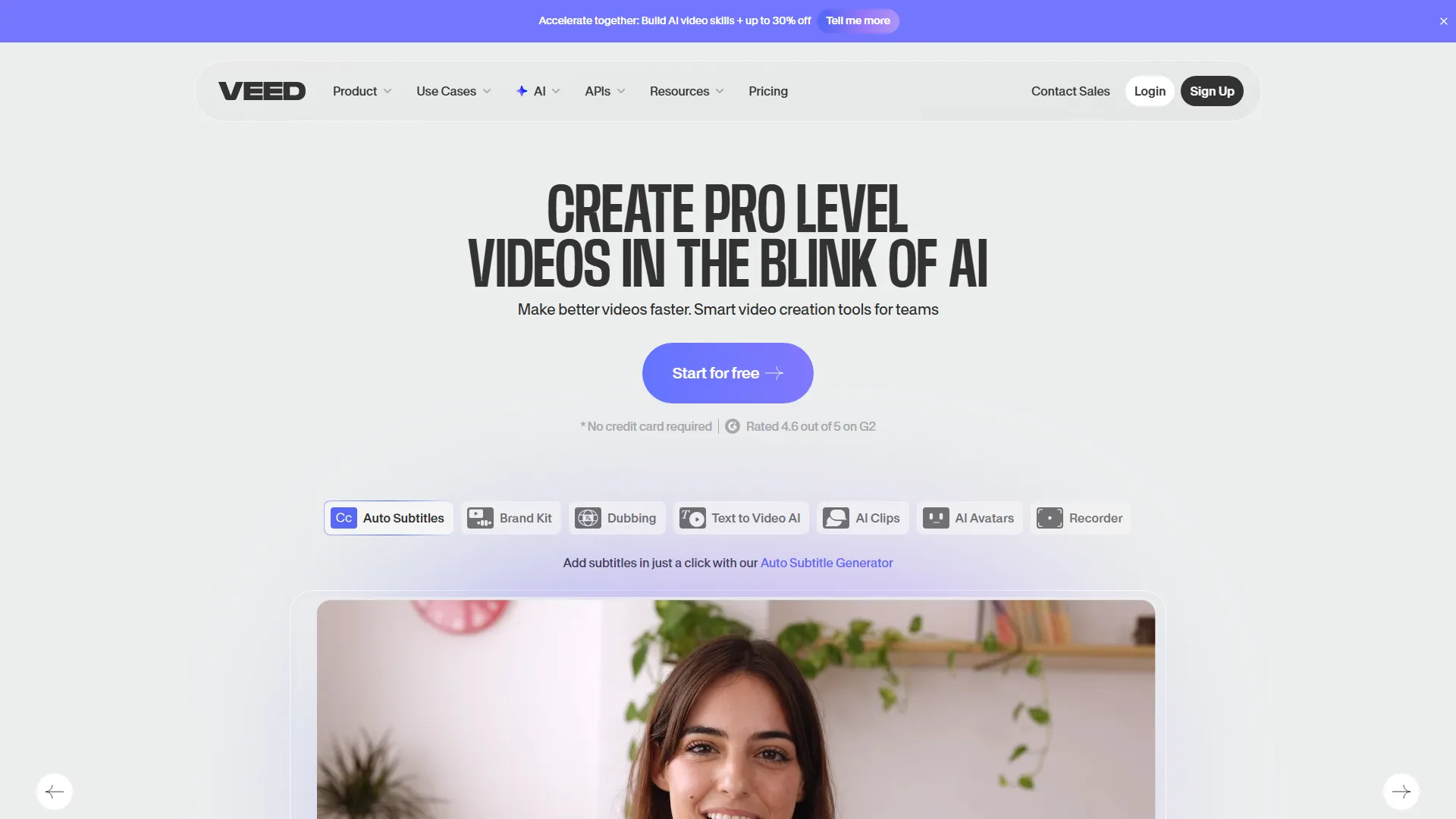
VEED is a browser-based video editing platform that simplifies subtitle generation, screen recording, and social media video creation for content creators and marketers.
How it works and main features
Explore the main features, functionalities and how this AI tool can help you.
VEED acts as a comprehensive web-based video production suite designed to handle the end-to-end video creation process. Users can record their screen, edit clips on a timeline, apply transitions, and finalize content using a browser-based editor that abstracts away the complexities of traditional desktop software. The platform is best suited for social media managers, digital marketers, and educators who need to produce high-volume content quickly. It excels in tasks that require repetitive editing operations, such as generating localized subtitles for short-form video, cleaning up audio with AI, and preparing exports optimized for various social platforms. However, users looking for high-precision, non-linear video editing for long-form, 4K, or complex multi-cam cinematic projects may find VEED restrictive. Its reliance on browser memory and internet speed can cause performance bottlenecks compared to local software like DaVinci Resolve or Adobe Premiere Pro, and it lacks advanced color grading or keyframe animation features. Ultimately, VEED is the ideal choice for teams and individuals prioritizing speed and ease-of-access over professional-grade, deep technical editing capabilities. It is a strategic tool for scaling video output on platforms like TikTok, Instagram Reels, and YouTube Shorts where consistency and accessibility are more critical than complex cinematic effects.
- Auto-subtitle generation in multiple languages
- AI-powered background noise removal
- Screen and webcam recording capabilities
- Brand kits for consistent fonts, colors, and logos
- AI text-to-speech voiceovers
- Instant video resizing for different social aspect ratios
- Collaborative video comments and approval workflows
- Direct video hosting and sharing pages
Advantages and disadvantages of the tool
See the main strengths and limitations to decide if this tool is ideal for you.
Pros
- No installation required due to browser-based architecture.
- Highly efficient auto-captioning and transcription engine.
- Integrated tools for screen recording and webcam capture.
- Simplified UI reduces the learning curve for non-editors.
- Consistent brand styling tools for unified content output.
Cons
- Performance heavily dependent on browser resources and internet stability.
- Lacks advanced non-linear editing features like complex color grading.
- Export times can be slow for large or high-resolution files.
- Free plan features are significantly restricted with watermarks.
- Mobile browser performance is notably weaker than desktop versions.
Feedback and user experiences
See the reviews, ratings and opinions of users to understand the real experience with this tool.
Alex R.
The auto-captioning feature saves me hours every week on my social media posts.
G2
Sarah J.
Great tool for quick edits but struggles with very long videos.
Capterra
Marcus V.
The interface is very intuitive for someone like me who isn't a professional editor.
Trustpilot
Elena K.
I use it for all my company internal training videos; the screen recorder is seamless.
G2
David W.
Powerful AI tools, though I wish there were more advanced export settings.
Product Hunt

G2
4.2
Capterra
4.3
Trustpilot
3.1
Product Hunt
4.5
Real applications of the tool
Ideas and examples to make the most of the tool's features.
Social Media Captioning
Automatically generating and styling subtitles for high-engagement Instagram Reels or TikToks.
Corporate Training Videos
Recording software walkthroughs and adding text overlays to explain features for internal teams.
Podcast Clipping
Extracting key audio highlights from long-form video interviews for promotional social media posts.
Marketing Localization
Quickly translating and dubbing marketing video content for international markets using AI.
ASMR and Audio Cleaning
Using AI audio tools to strip background hiss from microphone recordings for cleaner voiceovers.
Other similar tools
Compare with similar tools and choose the one that best meets your goal.
 Freemium
Reclaim
4.80Reclaim is an AI-powered calendar management tool that automatically schedules tasks, habits, and meetings to optimize work-life balance for busy professionals.
- Life Assistants
- Productivity
 Freemium
Superhuman
4.50Superhuman is a high-performance, keyboard-centric email client designed for professionals and teams who require extreme speed and efficiency in their inbox management.
- Productivity
 Freemium
Notion
4.42Notion is an all-in-one workspace that combines notes, databases, and project management tools, ideal for teams and individuals seeking a customizable information hub.
- Files & Spreadsheets
- Education & Studies
- Productivity
 Freemium
ClickUp
4.25ClickUp is an all-in-one project management platform designed for teams to centralize tasks, documentation, and collaboration within a single workspace.
- Automation
- Text Generators
- AI Chat & Assistant
- Files & Spreadsheets
- Productivity
Tutorials and videos of the tool
Learn how to use the tool with visual content and practical examples.
How to Automatically Translate Videos Online (Automatic Video Translator)
Add Subtitles to a Video Automatically with VEED

How to Convert Video to MP3 | FREE Online Video Converter

How to Add Music to Your YouTube Video in 2022

How to Add Music to an Instagram Post in 2022
Frequently Asked Questions
Everything you need to know about finding and using AI tools
Yes, VEED offers a free version with limited features, including watermarked exports and capped project sizes.
VEED supports uploading and editing 4K files, but performance may be impacted by browser constraints.
No, VEED is a cloud-based editor and requires an active internet connection to process and render files.
The accuracy is high for clear audio in common languages, but it may struggle with thick accents or technical jargon.
Watermarks are removed once you upgrade to one of the paid subscription tiers.
Yes, paid plans include workspace features allowing team members to comment and access shared brand assets.
Yes, VEED includes a built-in browser screen recorder that can capture your camera and audio simultaneously.
VEED complies with standard web security practices; refer to their privacy policy for details on data encryption and storage.
You can record your own audio, upload files, or use the AI text-to-speech feature to generate voiceovers directly in the editor.
Alternatives depend on your needs: CapCut is popular for mobile editing, while Descript offers more advanced text-based video editing.
Latest AI Tools Articles
Everything you need to know about finding and using AI tools