Taskade
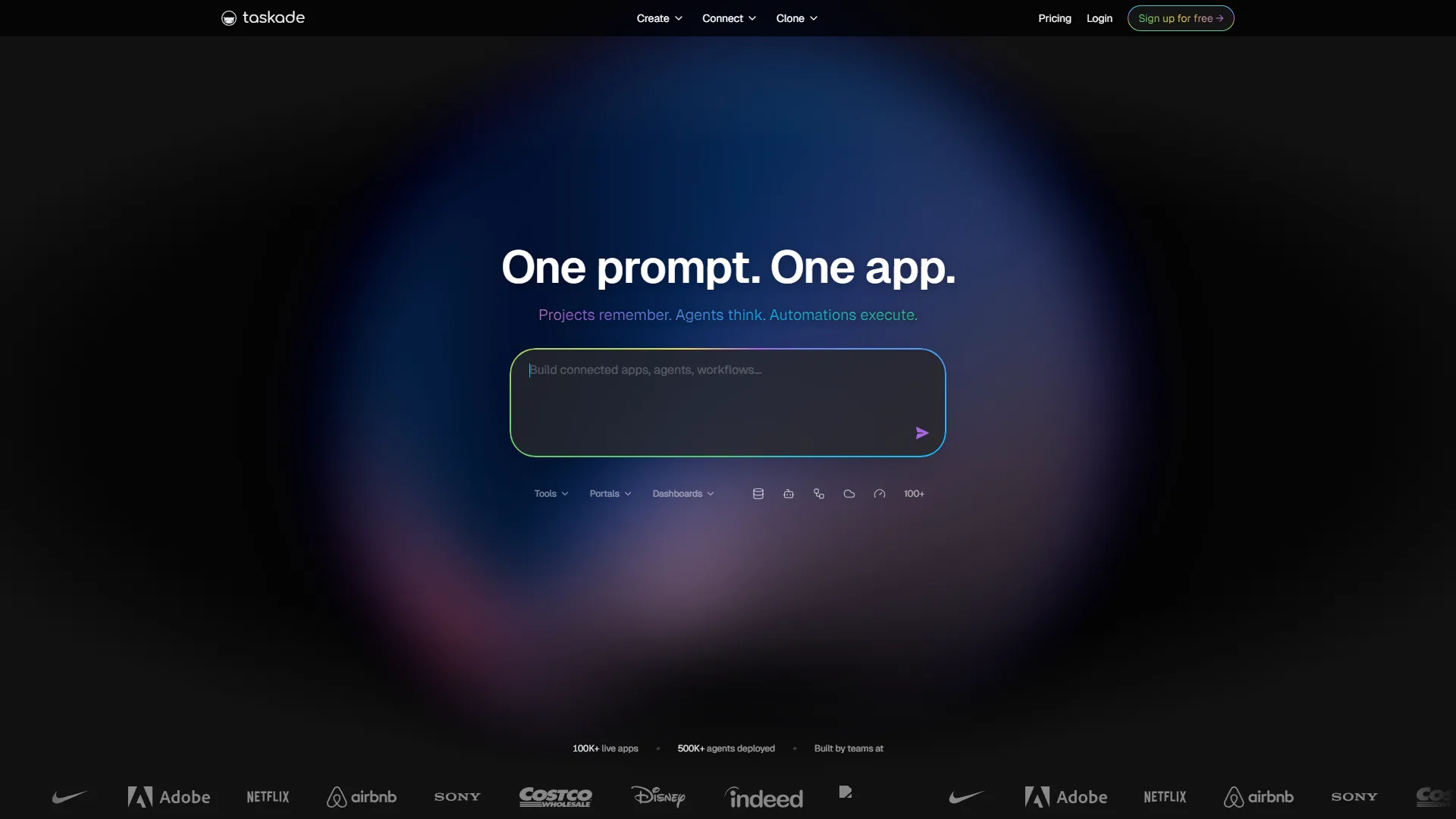
Taskade is an AI-powered project management and collaboration platform that helps remote teams organize tasks, documents, and workflows in a unified, visual workspace.
How it works and main features
Explore the main features, functionalities and how this AI tool can help you.
Taskade serves as a collaborative workspace that combines project management features with AI-driven content generation. It allows users to visualize work in various formats, including lists, boards, tables, calendars, and mind maps, enabling teams to switch views to suit specific project needs. It is best suited for remote-first teams, small businesses, and project managers who require a combination of task tracking and documentation in one place. Its ability to use AI agents to automate recurring workflows makes it particularly effective for marketing agencies and product development teams handling complex, repetitive processes. Despite its versatility, Taskade may struggle with enterprise-level project portfolios that require deep, complex resource management or sophisticated reporting capabilities found in dedicated platforms like Jira or Asana. It is less suited for teams that need offline functionality or heavy document processing capabilities beyond simple text and list-based layouts. Choosing Taskade is ideal for teams that value a "one-stop-shop" approach to productivity, where the overhead of switching between separate chat, documentation, and task tracking tools is a primary concern. It provides the most value for organizations that want to integrate AI directly into their project planning phase rather than treating it as an external plugin.
- AI Agents for automated workflow orchestration
- Multi-format project views (Kanban, List, Mind Map, Org Chart)
- Real-time team chat and screen sharing within projects
- Generative AI prompt library for task and document creation
- Customizable project templates for repeatable workflows
- Bi-directional linking for project and document relationship tracking
- Built-in video conferencing for project meetings
- Task automation rules and triggers
Advantages and disadvantages of the tool
See the main strengths and limitations to decide if this tool is ideal for you.
Pros
- Highly flexible workspace views for different project styles.
- Deep integration of generative AI into task management workflows.
- Integrated communication tools reduce need for external messaging apps.
- Efficient template system for standardizing project structures.
- AI agents can handle multi-step tasks to save manual time.
Cons
- UI can become cluttered as project complexity increases.
- Advanced enterprise reporting features are less robust than competitors.
- Steep learning curve for users unfamiliar with AI agent configurations.
- Limited offline mode capabilities compared to desktop-first apps.
- Mobile app performance can be inconsistent for heavy-duty project editing.
Feedback and user experiences
See the reviews, ratings and opinions of users to understand the real experience with this tool.
Sarah J.
Taskade has changed how we run our marketing sprints; the AI agents help generate our briefs instantly.
G2
Mark D.
A great all-in-one tool that replaces Notion and Trello for our small team.
Capterra
Elena R.
The mind map feature is perfect for brainstorming and turning those ideas into actionable lists.
Product Hunt
David K.
Solid performance and the AI integration is smarter than most other project management tools.
Trustpilot
Jordan P.
Really helpful for task management, though it takes a little time to master the automation workflows.
G2

G2
4.7
Capterra
4.7
Trustpilot
4.5
Product Hunt
4.8
Real applications of the tool
Ideas and examples to make the most of the tool's features.
Agile Sprint Planning
Utilizing kanban boards and AI to prioritize and assign tickets during weekly sprint cycles.
Content Strategy Development
Using mind maps to brainstorm article topics and converting them into production tasks.
Onboarding New Employees
Building standardized project templates that include task checklists for new hires.
Remote Client Coordination
Sharing project spaces with clients to conduct video calls and track progress in real-time.
AI-Powered Research Summarization
Using AI agents to summarize long-form meeting transcripts into actionable project tasks.
Other similar tools
Compare with similar tools and choose the one that best meets your goal.
 Freemium
Reclaim
4.80Reclaim is an AI-powered calendar management tool that automatically schedules tasks, habits, and meetings to optimize work-life balance for busy professionals.
- Productivity
- Life Assistants
 Freemium
Superhuman
4.50Superhuman is a high-performance, keyboard-centric email client designed for professionals and teams who require extreme speed and efficiency in their inbox management.
- Productivity
 Freemium
Notion
4.42Notion is an all-in-one workspace that combines notes, databases, and project management tools, ideal for teams and individuals seeking a customizable information hub.
- Productivity
- Education & Studies
- Files & Spreadsheets
 Freemium
ClickUp
4.25ClickUp is an all-in-one project management platform designed for teams to centralize tasks, documentation, and collaboration within a single workspace.
- Automation
- Text Generators
- Files & Spreadsheets
- AI Chat & Assistant
- Productivity
Tutorials and videos of the tool
Learn how to use the tool with visual content and practical examples.
Introducing Taskade AI - The Future of AI-Powered Productivity
Welcome to Taskade!
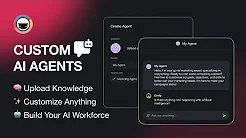
The Complete Guide to Building AI Agents with Taskade
Introducing Taskade — Build Your AI Agent Workforce
Welcome to Taskade - Introduction to Taskade
Frequently Asked Questions
Everything you need to know about finding and using AI tools
Yes, Taskade offers a free tier that provides basic project management features, limited AI usage, and shared workspace functionality.
Yes, Taskade integrates with platforms like Google Drive, Slack, GitHub, and Zapier to connect workflows.
AI agents are configured to perform specific roles, such as research, planning, or writing, and can be triggered to act on project data.
Yes, it includes built-in chat and video conferencing features within every project workspace.
Taskade supports SSO (SAML), 2FA, and offers data encryption to comply with common enterprise security standards.
Taskade is primarily a web-based platform and does not offer comprehensive offline functionality.
Taskade focuses more on real-time collaboration, AI agents, and built-in task/project management compared to Notion's focus on document-heavy knowledge management.
Yes, you can toggle between list, board, calendar, action, mind map, and org chart views for the same set of tasks.
Yes, Taskade provides an API for developers to programmatically manage tasks and projects.
Yes, individual users can benefit from the task organization, AI assistance, and personal workspace features.
Latest AI Tools Articles
Everything you need to know about finding and using AI tools