
Speechify
Speechify is an AI-powered text-to-speech platform that converts written documents, articles, and books into high-quality human-sounding audio for accessibility and productivity.
How it works and main features
Explore the main features, functionalities and how this AI tool can help you.
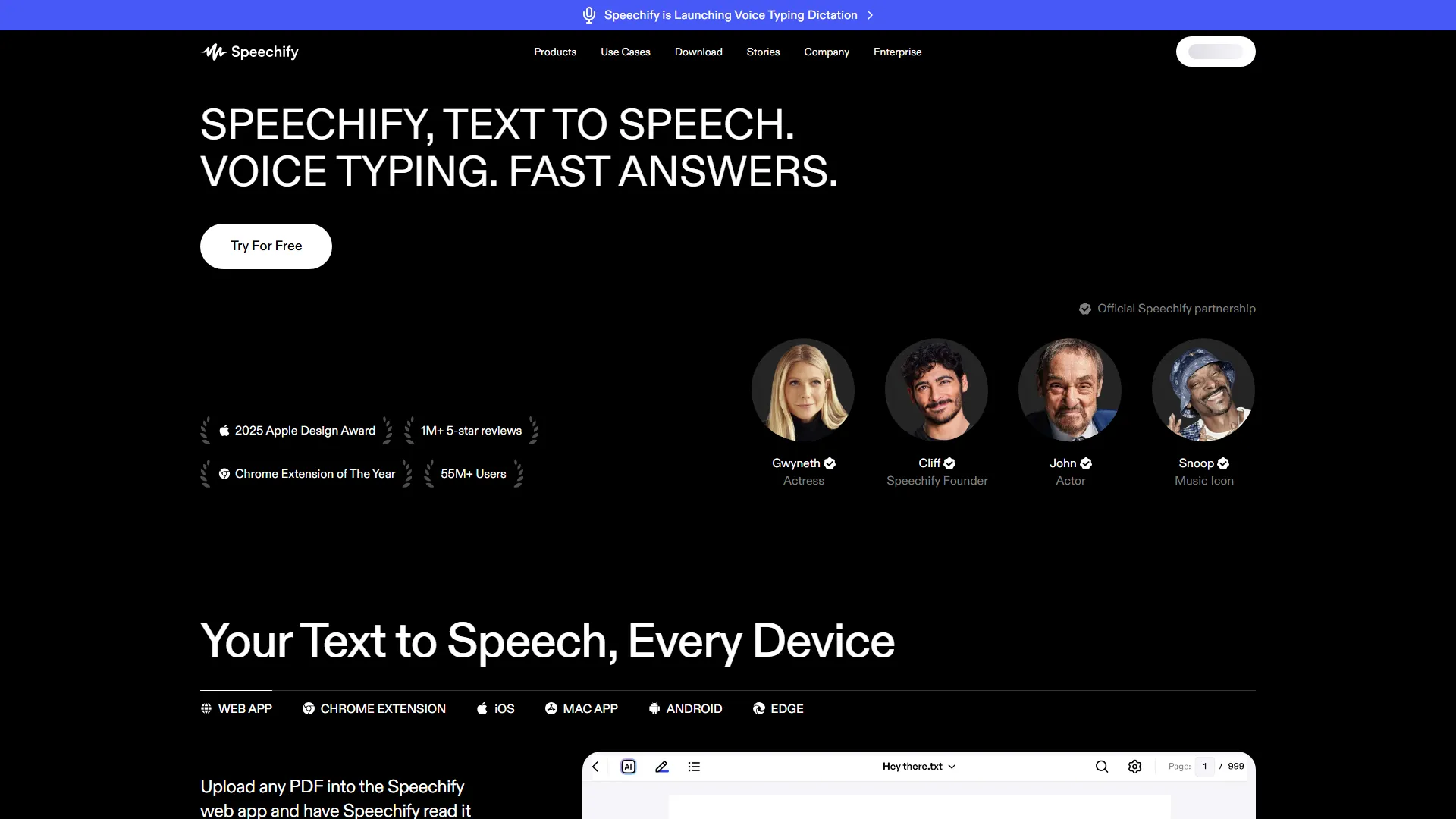
Speechify functions primarily as a text-to-speech reader that allows users to consume written content through auditory channels. It supports various file formats including PDFs, ePubs, and Google Docs, and provides browser extensions that can read any webpage or web-based email aloud in real-time. The core engine focuses on voice quality, offering a variety of natural-sounding voices that distinguish between different context cues in the text. The tool is specifically designed for students, professionals, and individuals with reading disabilities like dyslexia or ADHD who benefit from auditory reinforcement. It performs exceptionally well for individuals who need to process large volumes of text while multitasking, such as commuting, exercising, or performing routine manual tasks. It is also a favored tool in educational settings for supporting inclusive learning. Despite its strengths, Speechify can be limiting for users requiring high-end professional voice-over production for commercial video editing, as it lacks the granular timeline-based control of dedicated audio-production software. Additionally, the mobile app and browser versions occasionally experience sync issues with complex document layouts or non-standard formatting. Users looking for advanced text-editing or deep research management may find that other dedicated productivity suites offer better workflow integration. In conclusion, Speechify is an excellent choice for users prioritizing accessibility and hands-free consumption of text-based information. While it may not serve as a full-scale professional audio production suite, its ability to turn almost any digital text into high-quality audio makes it a highly effective tool for anyone aiming to improve reading efficiency and information retention through multi-sensory engagement.
- OCR for converting physical book pages and images into audio
- Adjustable playback speeds up to 5x
- Multi-device synchronization across iOS, Android, Chrome, and Web
- High-quality natural AI voice selection
- Highlighting tool that tracks words in real-time as they are spoken
- Support for PDFs, EPUBs, Docx, and web articles
- Chrome browser extension for web-based reading
- Note-taking and snippet capture functionality
Advantages and disadvantages of the tool
See the main strengths and limitations to decide if this tool is ideal for you.
Pros
- Exceptional voice quality with natural inflection.
- Extensive accessibility features for diverse learning needs.
- Robust cross-platform compatibility across devices.
- Simple one-click conversion for most web content.
- Advanced OCR capability for scanning physical documents.
Cons
- Mobile app can consume significant battery life during long sessions.
- Advanced features are locked behind a relatively high-cost subscription.
- Limited granular control for professional video post-production.
- Occasional parsing errors on websites with complex ad overlays.
- Lack of offline synchronization in the base free tier.
Feedback and user experiences
See the reviews, ratings and opinions of users to understand the real experience with this tool.
Alex R.
Changed the way I study. I can listen to my textbooks while I walk to campus.
Trustpilot
Sarah J.
The voices sound much more human than standard screen readers. Excellent for my dyslexia.
G2
Marcus V.
Great app, it helped me finish reading my pile of industry reports in one week.
Product Hunt
Elena K.
Very helpful for multitasking, though the premium version is a bit pricey.
Capterra
Tom B.
Reliable syncing between my desktop and phone. Never lose my place in a book.
Trustpilot

G2
4.5
Capterra
4.4
Trustpilot
4.6
Product Hunt
4.5
Real applications of the tool
Ideas and examples to make the most of the tool's features.
Inclusive Education
Students use the tool to have complex textbooks read aloud to improve comprehension and learning pace.
Professional Document Review
Consultants and lawyers listen to lengthy reports and contracts during commutes to save time.
Multitasking Research
Researchers convert technical articles into audio to stay updated on findings while performing lab work.
Screen Reading Accessibility
Individuals with visual impairments use the platform to navigate web content and personal documents independently.
Language Learning
Language students use the playback speed controls and clear narration to practice listening comprehension in foreign languages.
Other similar tools
Compare with similar tools and choose the one that best meets your goal.
 Freemium
Reclaim
4.80Reclaim is an AI-powered calendar management tool that automatically schedules tasks, habits, and meetings to optimize work-life balance for busy professionals.
- Productivity
- Life Assistants
 Freemium
Superhuman
4.50Superhuman is a high-performance, keyboard-centric email client designed for professionals and teams who require extreme speed and efficiency in their inbox management.
- Productivity
 Freemium
Notion
4.42Notion is an all-in-one workspace that combines notes, databases, and project management tools, ideal for teams and individuals seeking a customizable information hub.
- Productivity
- Files & Spreadsheets
- Education & Studies
 Freemium
ClickUp
4.25ClickUp is an all-in-one project management platform designed for teams to centralize tasks, documentation, and collaboration within a single workspace.
- Automation
- Text Generators
- Productivity
- AI Chat & Assistant
- Files & Spreadsheets
Tutorials and videos of the tool
Learn how to use the tool with visual content and practical examples.
Speechify | Stay Focused & Save 10 Hours a Week
Speechify Chrome Extension| Understand More, Listen Fast

Enhance Your Reading with Speechify
Read To You - Cliff Weitzman
How to use Speechify - Tutorial
Frequently Asked Questions
Everything you need to know about finding and using AI tools
Yes, Speechify offers a limited free version with standard voices, while premium features require a paid subscription.
Premium subscribers can download files to their devices to listen to content offline.
Speechify supports PDF, ePub, TXT, HTML, Docx, and various web article formats.
Yes, the mobile app features an OCR scanner that allows you to take a photo of a page and have it converted to audio.
Speechify focuses on high-quality, natural-sounding AI voices, whereas standard screen readers are often robotic and intended for navigation.
You can cancel through your account settings on the platform or through your mobile app store's subscription management page.
Yes, you can import documents directly from Google Drive, iCloud, and Dropbox.
Speechify employs standard industry encryption for data storage and processing as outlined in their privacy policy.
The free plan has daily usage limits, whereas paid plans typically offer unlimited text-to-speech conversion.
Yes, Speechify allows playback speed adjustment up to 5x speed without losing voice clarity.
Latest AI Tools Articles
Everything you need to know about finding and using AI tools