HeyGen
HeyGen is an AI-powered video generation platform that enables users to create professional-grade talking head videos using digital avatars and text-to-speech.
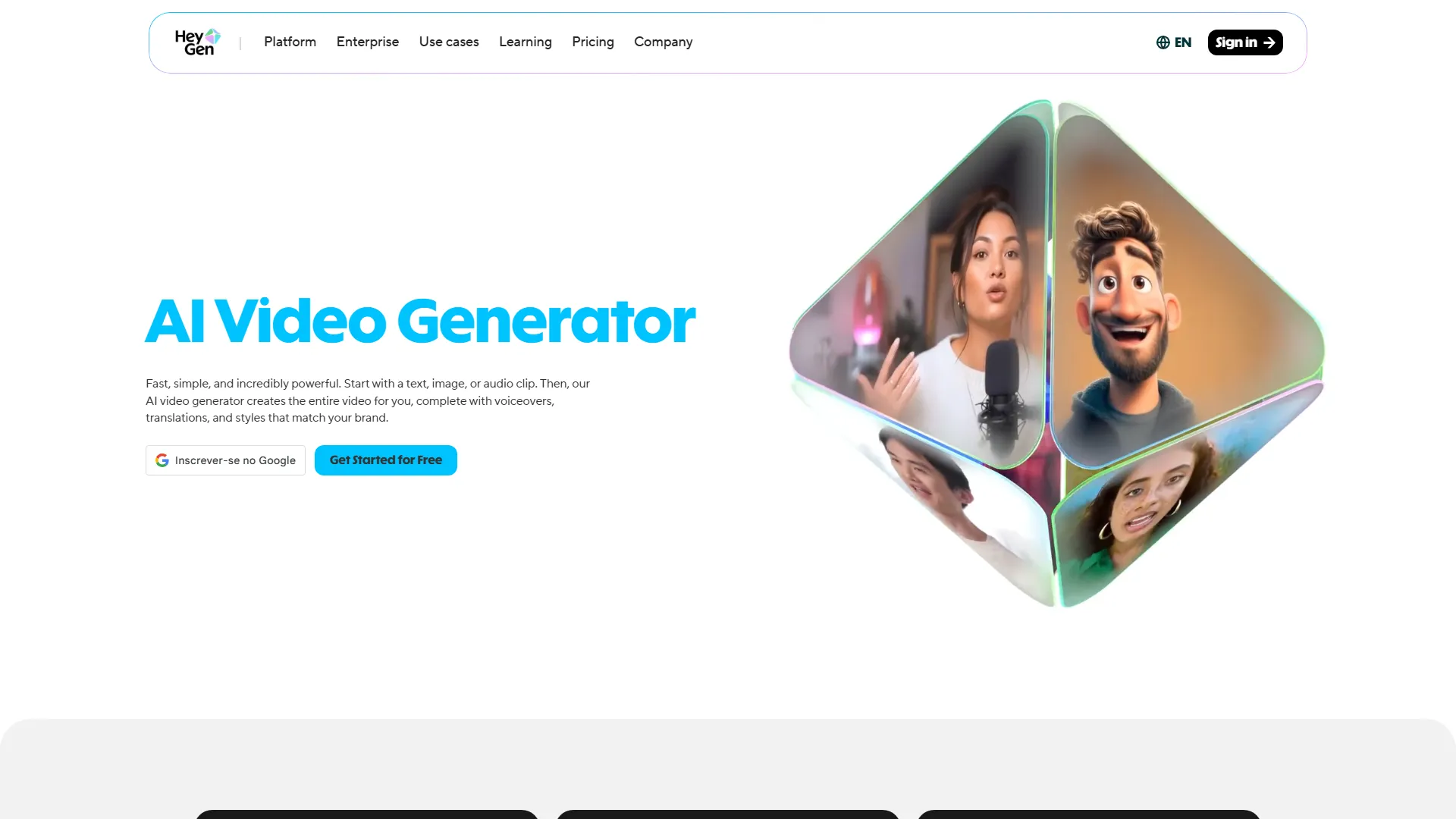
How it works and main features
Explore the main features, functionalities and how this AI tool can help you.
HeyGen is a generative AI platform focused on video production, utilizing photorealistic digital avatars to deliver spoken messages. Its primary function is to eliminate the need for traditional video equipment, studio space, and human actors by automating the recording process through a browser-based studio. The tool is specifically designed for marketing teams, corporate trainers, and educators who need to produce high volumes of video content efficiently. It excels in scenarios where a consistent visual persona is required for explaining complex products, conducting onboarding, or delivering announcements across multiple languages. While highly effective for explainer and instructional videos, HeyGen may not be suitable for narrative storytelling or cinematic productions where emotional nuance, complex camera angles, and dynamic human interaction are necessary. Its reliance on synthetic avatars can sometimes feel less personal than filmed video, and it requires high-quality input data to avoid uncanny valley effects. Ultimately, HeyGen is an ideal choice for businesses looking to scale their video output without the overhead of traditional production. It is a strategic tool for teams that prioritize content speed and multi-language accessibility over highly stylized or artistic video direction.
- Digital avatar library with diverse professional and casual characters
- AI-powered text-to-speech with natural prosody and voice cloning
- Instant video translation for over 40 languages with lip-sync adjustment
- Custom avatar generation from user-uploaded video footage
- URL-to-video conversion for automated summary creation
- Interactive AI avatar widgets for website customer support
- Collaborative workspace for team-based video editing
- API access for programmatic video generation and automation
Advantages and disadvantages of the tool
See the main strengths and limitations to decide if this tool is ideal for you.
Pros
- Highly convincing lip-syncing capabilities across multiple languages.
- Intuitive browser-based editor that requires no advanced video editing skills.
- Extensive library of high-quality, professional-looking avatars.
- Efficient and rapid generation speeds compared to manual filming.
- Effective voice cloning feature that matches the user's vocal tone and rhythm.
Cons
- Monthly credit limits can restrict heavy users on lower-tier plans.
- Synthetic movements of avatars can still look stiff in complex poses.
- High-quality custom avatar creation requires specific, high-resolution recording conditions.
- Complex, multi-scene storyboarding can be limited compared to professional NLE software.
- Premium features and high-resolution output often sit behind higher-tier price gates.
Feedback and user experiences
See the reviews, ratings and opinions of users to understand the real experience with this tool.
Sarah J.
The translation feature for our training videos has saved us hundreds of hours of recording time.
G2
Mark D.
Very impressive lip sync, though I wish there were more diverse options for the free tier.
Capterra
Elena R.
Used it for sales outreach and saw a noticeable bump in engagement. The avatars look very realistic.
Trustpilot
Jason T.
The interface is slick, but custom avatar creation is a bit of a process to get right.
Product Hunt
Chloe L.
An essential tool for our marketing team's localization strategy. Highly recommend it.
G2

G2
4.8
Capterra
4.7
Trustpilot
4.6
Product Hunt
4.5
Real applications of the tool
Ideas and examples to make the most of the tool's features.
Multilingual Training
Translating internal corporate training manuals into localized video versions for global teams.
Personalized Sales Videos
Sending automated, personalized video greetings to prospective clients based on their company name or industry.
Automated Content Repurposing
Turning written blog posts or news updates into concise talking-head video summaries for social media.
Website Customer Support
Implementing an interactive avatar widget that guides website visitors through FAQ sections.
Product Demos
Creating consistent, professional product walkthroughs where the narrator is replaced by a digital presenter.
Other similar tools
Compare with similar tools and choose the one that best meets your goal.
 Freemium
Reclaim
4.80Reclaim is an AI-powered calendar management tool that automatically schedules tasks, habits, and meetings to optimize work-life balance for busy professionals.
- Productivity
- Life Assistants
 Freemium
Superhuman
4.50Superhuman is a high-performance, keyboard-centric email client designed for professionals and teams who require extreme speed and efficiency in their inbox management.
- Productivity
 Freemium
Notion
4.42Notion is an all-in-one workspace that combines notes, databases, and project management tools, ideal for teams and individuals seeking a customizable information hub.
- Productivity
- Files & Spreadsheets
- Education & Studies
 Freemium
ClickUp
4.25ClickUp is an all-in-one project management platform designed for teams to centralize tasks, documentation, and collaboration within a single workspace.
- Automation
- Text Generators
- Productivity
- AI Chat & Assistant
- Files & Spreadsheets
Tutorials and videos of the tool
Learn how to use the tool with visual content and practical examples.
Create Multiple Looks from Your Photos with HeyGen | AI Avatar with Natural Motion
The HeyGen Video Agent | World's First Creative Operating System
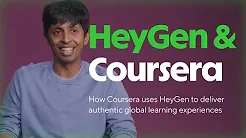
How Coursera uses HeyGen to deliver authentic global learning experiences
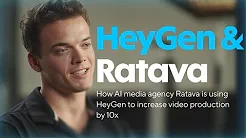
How AI media agency Ratava is using HeyGen to increase video production by 10x
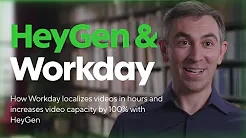
How Workday localizes videos in hours and increases video capacity by 100% with HeyGen
Frequently Asked Questions
Everything you need to know about finding and using AI tools
Yes, HeyGen offers a limited free trial that allows users to test the platform capabilities with restricted credits.
HeyGen utilizes advanced AI to match lip movements closely with the phonemes of the generated audio in multiple languages.
Yes, you can upload voice samples to create a voice clone for use with your avatars.
Yes, the platform can translate existing video content into different languages while maintaining the original speaker's voice characteristics.
Video duration limits depend on your specific subscription plan and available credits.
You can use pre-built avatars or create a custom avatar by uploading professional footage of yourself.
Yes, HeyGen provides an API for enterprise users to programmatically generate videos at scale.
HeyGen implements security protocols to ensure that custom avatar data is used only for the account holder's projects.
HeyGen offers integrations with popular tools like Zapier and can be embedded into websites via widgets.
Once your credits are exhausted, you will need to wait for your monthly cycle to renew or upgrade your plan to continue generating videos.
Latest AI Tools Articles
Everything you need to know about finding and using AI tools