
CapCut
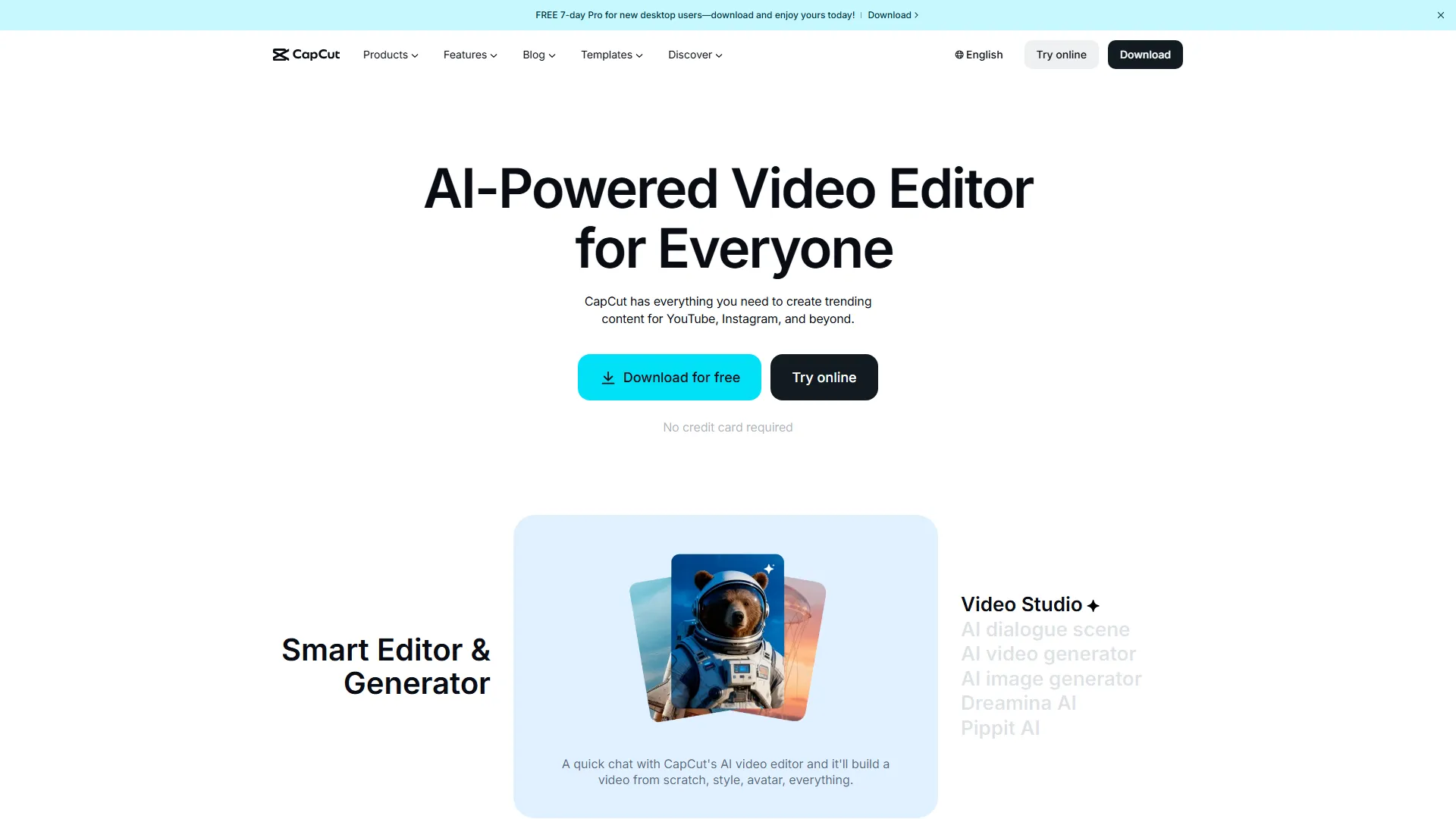
CapCut is an all-in-one video editing platform that provides AI-powered tools for content creators to produce social media-ready videos quickly.
How it works and main features
Explore the main features, functionalities and how this AI tool can help you.
CapCut functions as a comprehensive video production ecosystem that blends traditional timeline-based editing with modern AI enhancements. Its primary purpose is to lower the barrier to entry for video creation by automating time-consuming tasks like transcription, captioning, and object removal. The tool is best suited for social media managers, short-form content creators, and casual users who need to produce high-engagement videos efficiently. It excels in scenarios requiring rapid turnaround times for vertical-format videos, such as influencer marketing clips, educational shorts, and trending social media content. While robust for social media, CapCut falls short for professional-grade film production, complex color grading, or multi-cam editing projects that require high-bitrate handling and precise keyframe control. Users seeking advanced non-linear editing capabilities or industry-standard workflows in post-production for cinema will likely find the tool too restrictive compared to industry-standard software like Premiere Pro or DaVinci Resolve. In conclusion, CapCut is the optimal choice for creators whose primary objective is speed and accessibility for mobile-first content. If your production requirements involve intensive project management, high-end professional color workflows, or offline-first professional stability, you may want to look toward more advanced editing suites.
- AI-powered auto-caption generation with multi-language support
- One-click background removal for images and videos
- Text-to-speech synthesis with a variety of voice avatars
- Cloud-based collaboration for team video editing
- Extensive library of trending royalty-free music and sound effects
- Advanced keyframe animation for stickers and text overlays
- Video stabilization and noise reduction tools
- AI script-to-video generator for quick drafts
Advantages and disadvantages of the tool
See the main strengths and limitations to decide if this tool is ideal for you.
Pros
- Significant time savings via auto-captioning
- Intuitive learning curve for non-professional editors
- Frequent updates with trending filters and effects
- Strong integration with TikTok creator workflows
- Robust free plan offering most essential editing tools
Cons
- Limited support for professional high-bitrate file formats
- Concerns regarding data privacy and cloud storage policies
- Occasional performance issues when handling 4K high-frame-rate footage
- Over-reliance on internet connection for cloud-based AI features
- Less granular control over advanced audio mixing and color correction
Feedback and user experiences
See the reviews, ratings and opinions of users to understand the real experience with this tool.
Sarah J.
The auto-captioning feature saves me hours of work every week for my Instagram reels.
G2
Mark D.
Very easy to use, but sometimes the cloud sync can be a bit slow with large files.
Capterra
Elena R.
Excellent for social media content. It has all the trending effects that make my videos look professional.
Trustpilot
Jason T.
Good tool, but missing some of the deep editing features I get in other desktop software.
Product Hunt
Kim L.
The AI background removal works surprisingly well for such a simple interface.
G2

G2
4.4
Capterra
4.6
Trustpilot
2.1
Product Hunt
3.8
Real applications of the tool
Ideas and examples to make the most of the tool's features.
Social Media Captioning
Automatically generating and styling subtitles for viral short-form videos.
E-commerce Product Showcase
Removing backgrounds from product videos to overlay them on branded backgrounds.
Educational Shorts
Using text-to-speech and AI avatars to create informative, low-budget instructional clips.
Influencer Vlog Editing
Quickly trimming footage and adding trending transitions for daily lifestyle vlogs.
Podcast Highlight Clips
Extracting audio snippets and creating visual waveforms for engaging social media highlights.
Other similar tools
Compare with similar tools and choose the one that best meets your goal.
 Freemium
Reclaim
4.80Reclaim is an AI-powered calendar management tool that automatically schedules tasks, habits, and meetings to optimize work-life balance for busy professionals.
- Productivity
- Life Assistants
 Freemium
Superhuman
4.50Superhuman is a high-performance, keyboard-centric email client designed for professionals and teams who require extreme speed and efficiency in their inbox management.
- Productivity
 Freemium
Notion
4.42Notion is an all-in-one workspace that combines notes, databases, and project management tools, ideal for teams and individuals seeking a customizable information hub.
- Productivity
- Education & Studies
- Files & Spreadsheets
 Freemium
ClickUp
4.25ClickUp is an all-in-one project management platform designed for teams to centralize tasks, documentation, and collaboration within a single workspace.
- Automation
- Text Generators
- Files & Spreadsheets
- AI Chat & Assistant
- Productivity
Tutorials and videos of the tool
Learn how to use the tool with visual content and practical examples.

Win Black Friday with CapCut Desktop | The Ultimate AI Design & Video Toolkit for E-commerce
Introducing: AI Editing, the CapCut Way

Introducing CapCut's AI Design

Introducing CapCut's AI Video Maker
The Year We Created Together | CapCut #ReCap25
Frequently Asked Questions
Everything you need to know about finding and using AI tools
The free version offers significant features, but check the terms of service regarding music rights and commercial licensing for certain assets.
Users can typically remove the default end-clip watermark in the app settings, or it can be deleted manually from the timeline.
The desktop version supports some offline editing, but many AI features and asset libraries require an active internet connection.
Yes, CapCut provides cloud space for projects, allowing for multi-device synchronization and team collaboration.
CapCut currently supports exports up to 4K resolution at various frame rates.
CapCut (operated by ByteDance) stores user data on cloud servers; users should review their privacy policy for details on data processing.
Yes, CapCut offers an online editor that runs directly in modern web browsers without requiring local software installation.
CapCut provides basic to intermediate keyframe control, which is sufficient for most social media animations but limited compared to professional suites.
Yes, the platform allows multiple users to access and edit shared projects via the CapCut cloud interface.
While there is no strict technical limit, long-form, complex projects may experience performance degradation on the browser version.
Latest AI Tools Articles
Everything you need to know about finding and using AI tools